
One Place for Your Address, Phone and Social Links
By menu-MENA Team
Published on September 14, 2026
Where "how do I reach you" actually lives
Before a guest orders anything or books a table, they usually want to check one thing first: is this place open, and how do I actually get hold of them. If that answer is spread across an Instagram bio nobody's updated since a rebrand, a Facebook page with the old phone number, and a WhatsApp number written on a sticker by the register, you're making people work for it.
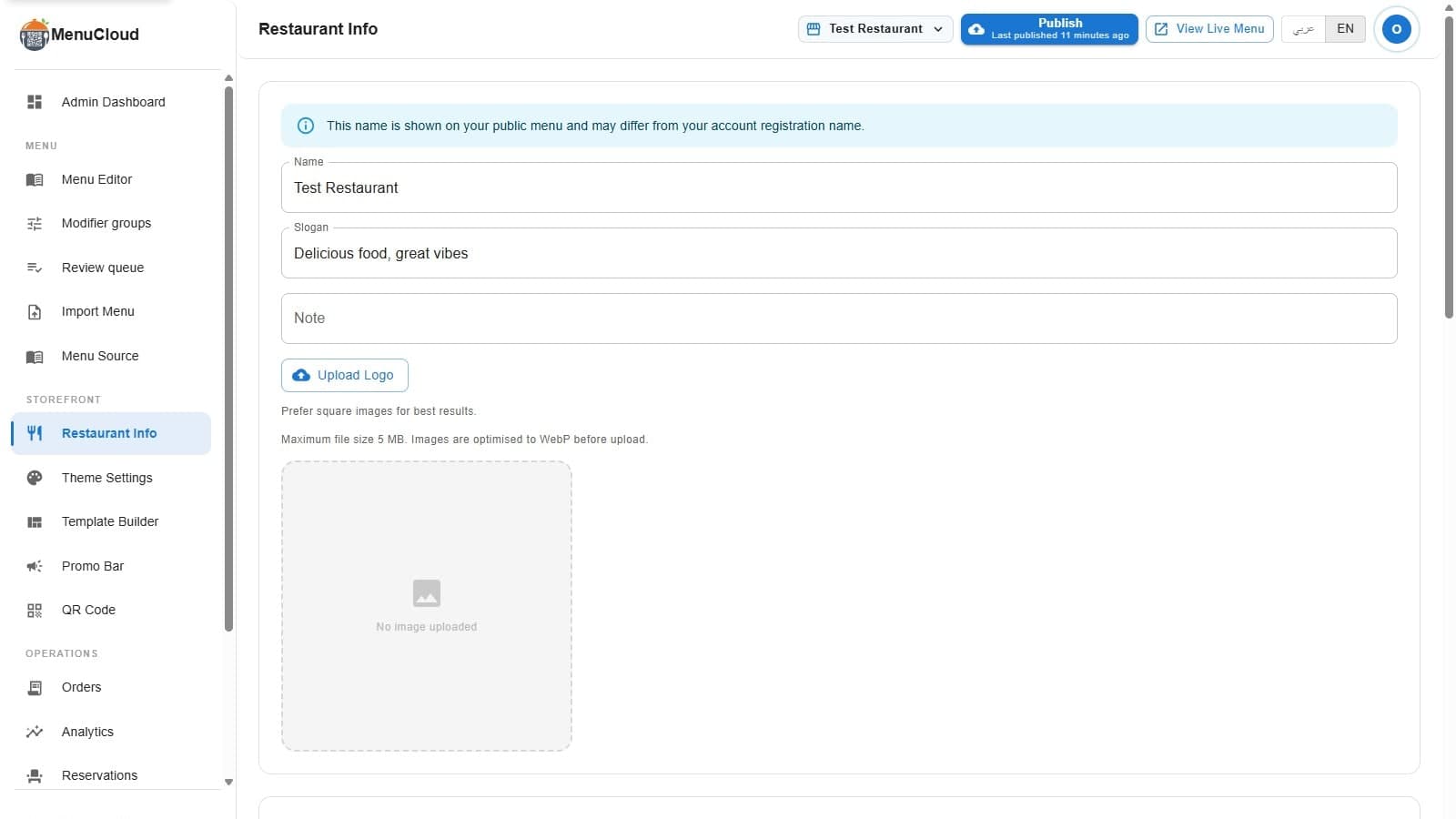
Restaurant Info is the single settings page in your admin dashboard where that lives: address, phone numbers, email, business hours, and every social link, all in one form. Fill a field in and it becomes a real, working link on your public menu. Leave it blank and it stays off the page, nothing broken, nothing showing a placeholder.
Address, phone lines, and hours
The location field is a plain text address. Below it sits a phone editor where you can add as many numbers as you actually answer. Each one gets a carrier tag, Vodafone, Etisalat, Orange, WE, or Other, so if a call comes in confused about which line rang, whoever's checking the list knows at a glance which network it's on. There's a separate email field for the address you actually check.
Weekly hours live in the same card, day by day, and that's deep enough to deserve its own walkthrough: see setting business hours and holiday hours if you also need to close early on a specific date without touching your regular week.
Social links: type a handle, not a URL
The social media section covers X, Facebook, Instagram and TikTok, and each input already shows the domain as part of the field, x.com/, facebook.com/, instagram.com/, tiktok.com/@. You type the username after it, nothing more. No copying a full profile URL, no risk of pasting in a typo'd link that goes nowhere.
An info note sits right above the section and says it plainly: leave a field blank to hide its button on your public menu, customers only see contact channels you've filled in. That's the whole logic for this page. There's no separate publish step for social links, no "make visible" checkbox. What you type is what shows.
WhatsApp: one number, two jobs
WhatsApp gets its own row, with a country code selector next to the number field. It defaults to +20 for Egypt but covers over twenty codes across the region, Saudi Arabia, UAE, Kuwait, Qatar, Bahrain, Oman, Jordan, Lebanon, Iraq, and a handful more, plus a few outside it. Type the number and non-digit characters get stripped automatically, so a number pasted with dashes or spaces still saves clean.
This isn't just a contact button. The same country code and number feed the in-menu WhatsApp ordering flow: when a guest checks out from your cart, that's the number the order gets sent to. If you're setting this up alongside WhatsApp ordering, this is the field that makes it actually reach your phone.
What guests see on the public menu
Every channel you've filled in renders as a small pill-shaped button near the top of your public menu. Phone numbers become tap-to-call links. Email becomes a tap-to-email link. WhatsApp gets its own button in WhatsApp's brand green, and it opens straight into a chat. Each social platform gets its own button that opens the profile in a new tab. It's a plain visual list: what you filled in, what a guest can tap, nothing more.
SEO fields, on the same page
Scroll down and there's an SEO section too, separate title and description fields for English and Arabic, entered independently rather than one field auto-translated into the other. These override what search engines show for your menu's page title and description. Leave them blank and your public page falls back to your restaurant name and slogan, so there's no broken state either way, just a better one once you fill it in.
Saving it
One save button at the bottom of the page, and once you've saved for the first time, a Preview link appears next to it that opens your actual live public menu, so you can check that the pills, the hours, and the SEO fields all look right without guessing.
None of this needs to happen on day one, but it's worth doing before your first QR code goes on a table, since every other setup step, WhatsApp ordering, reservations, coupons, assumes this page is already filled in. If you're working through setup in order, the restaurant launch checklist walks through where this page fits alongside everything else.