
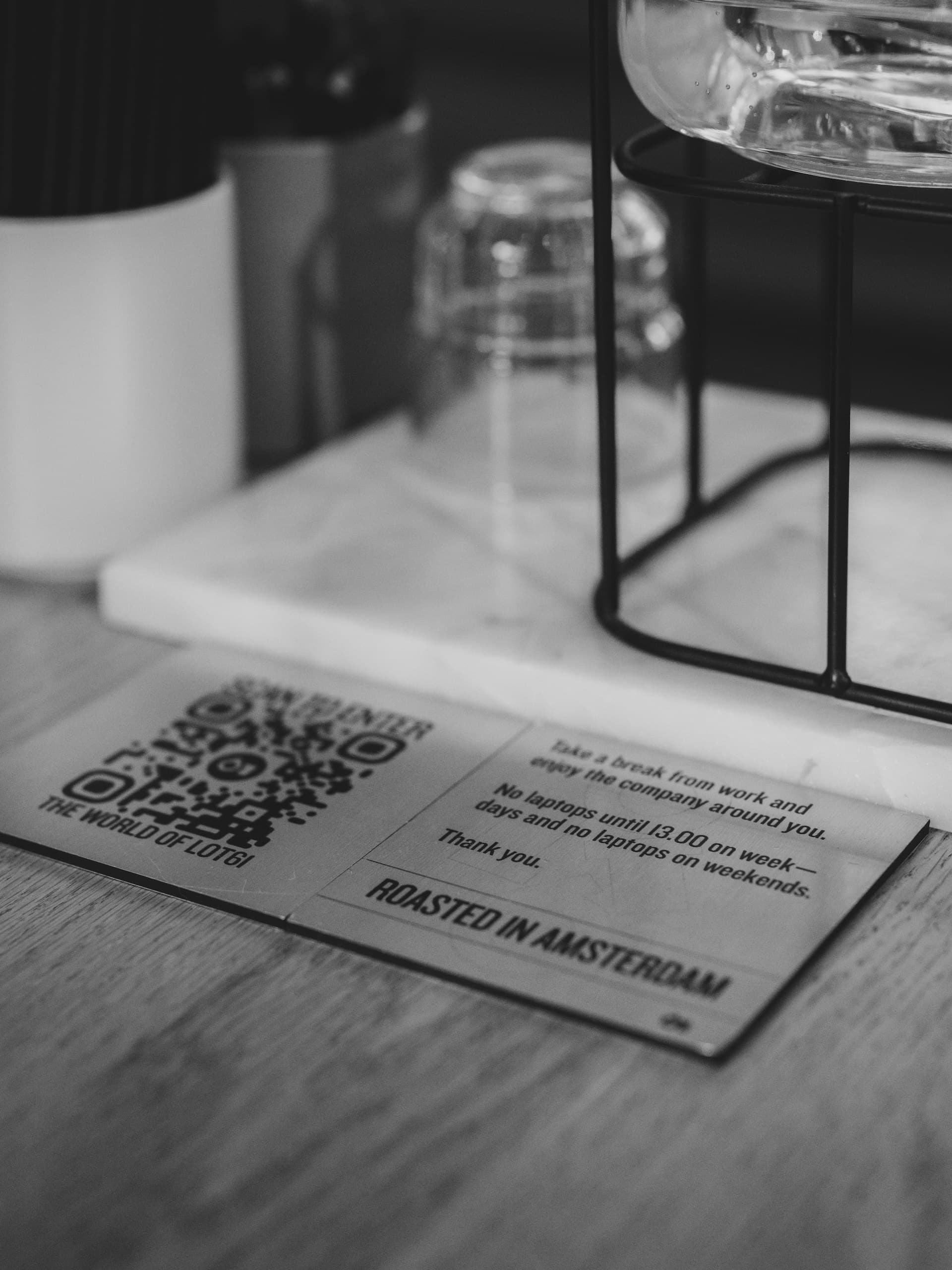
Free Printable QR Table Tents, Stickers & Posters
By menu-MENA Team
Published on July 27, 2026
A Print kit tab, right next to your QR designer
Open /admin/qr-code and there's a tab next to the QR code designer: Print kit. It takes the QR you've already set up, colors, dot shape, all of it, and turns it into three ready-to-print layouts, downloaded as PNG files at 300 DPI, the resolution print shops expect for a sheet that won't look fuzzy up close. No new design tool to learn, nothing to export and reimport somewhere else. Click a layout, get a file, print it.
Three formats, three spots in your restaurant
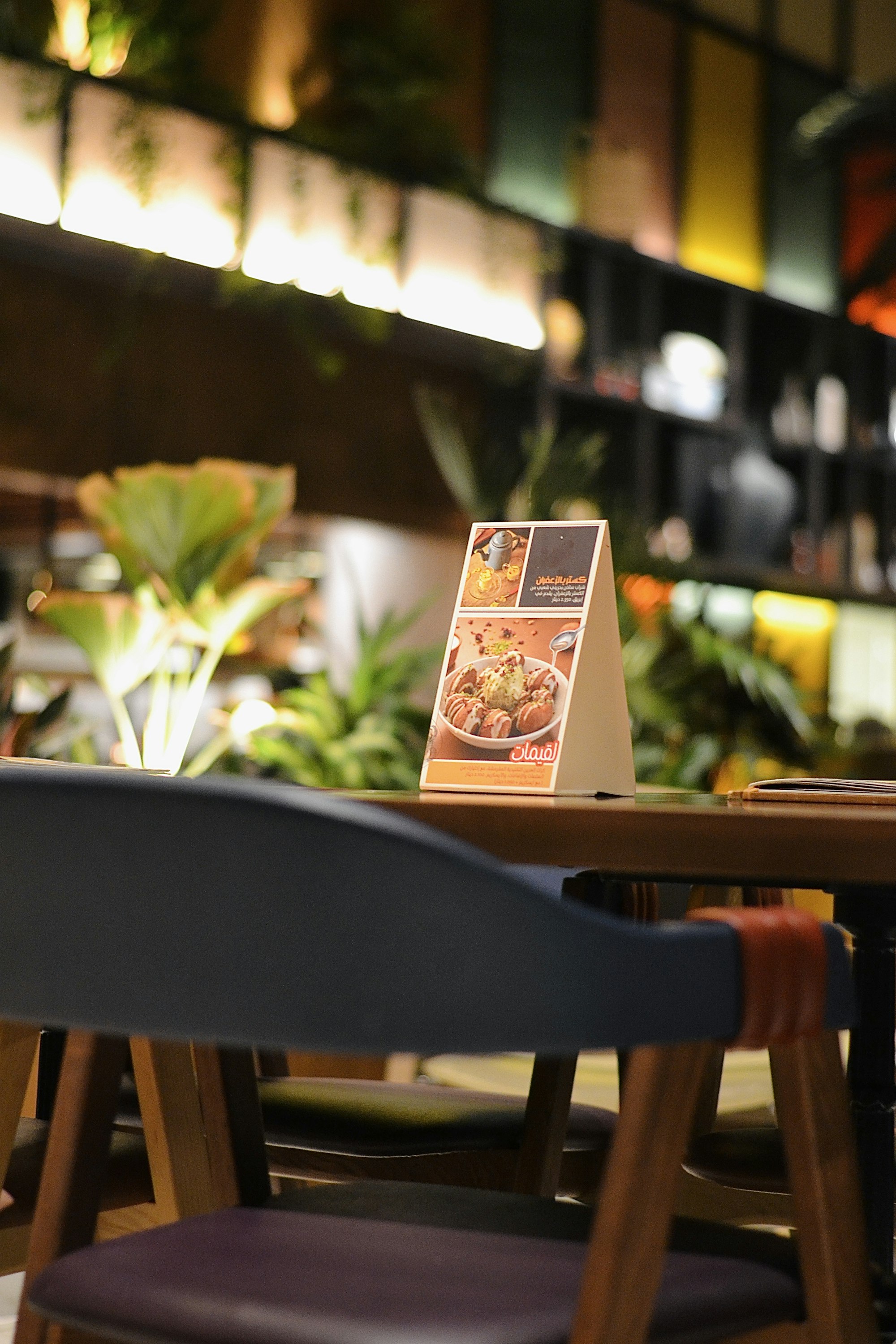
Table tent
A 100mm x 200mm sheet with a fold line down the middle. Fold it and you get a small standing card with two mirrored panels, one facing each direction, so a guest on either side of the table sees the QR without you needing two separate cards. Each panel carries a 40mm QR code, your restaurant name, and a "scan to view our menu" caption. This one is built for tabletops: big enough to notice, small enough not to take over the table.
Window sticker
A compact 60mm x 60mm layout with a 25mm QR. This is the one for a glass door or storefront window, sized to work as a decal someone can scan while walking past or waiting outside, not something meant to sit flat on a surface.
Flyer or poster
A 148mm x 210mm sheet, standard A5, with an 80mm QR and a bigger headline than the other two. This is the one for a counter stand, an insert tucked inside a delivery bag, or something pinned up near the entrance where someone's reading it from a couple of steps away rather than standing right over it.
Why you only print this once
The QR points at your menu's URL, not at the menu itself. Change a price, add a dish, run a Ramadan menu and switch it back, none of that touches the QR. The code that goes out on a delivery order today still opens the same menu next year. So the print run you do this week isn't something you'll be redoing every time the kitchen changes something, it's a one-time job unless you're refreshing the QR's look or opening a branch that needs its own URL.
Where to actually put each one
At the table
Eye level near where people sit, not flat in the middle where it competes with plates and glasses. A small stand or a laminated card propped against the wall or a condiment tray usually scans easier than one lying flat, because the guest's phone camera is angled down at it instead of straight at it.
On the window
Face it outward so it reads from the sidewalk, and skip a west-facing window if you can, direct afternoon sun turns a phone screen into a mirror and the guest can't see what they're pointing at. A door or window with some shade for most of the day works better than the sunniest spot in the shop.
At the counter or entrance
The flyer fits a stand near the register, a wall by the door, or an insert riders drop into a delivery bag so the next order comes straight through the QR. Anywhere a guest pauses for a few seconds while waiting works.
One thing worth doing across the board: keep the QR the same at every table and every branch that shares a menu. A guest who scanned yesterday at one table and today at another should land on a version of your menu that looks and works the same way. That consistency isn't about branding so much as not confusing a guest who's using the QR the way they'd use anything familiar, out of habit.
From dashboard to print shop
Downloading a layout gives you a plain PNG, the kind any local print shop, sign shop, or sticker printer already knows how to handle. There's no ordering flow inside menu-MENA for physical prints, you're not waiting on a shipment, you're taking a file to whoever prints your business cards or your delivery bags and asking for the same job. Printing and lamination costs vary by shop and by material, so that part's between you and your printer, not something in your plan, though the Print kit tool itself is included wherever the QR designer already is.
Key takeaways
- Print kit lives next to the QR designer in /admin/qr-code and outputs three 300 DPI PNGs: a table tent, a window sticker, and an A5 flyer
- Table tent: 100mm x 200mm, folds in half, 40mm QR on each of two mirrored panels
- Window sticker: 60mm x 60mm with a 25mm QR, built for glass
- Flyer/poster: 148mm x 210mm (A5) with an 80mm QR, for counters, delivery bags, or walls
- Every layout reuses the exact QR colors and dot shape from your QR designer, so the print matches the digital version
- The QR's URL never changes, so a printed table tent or sticker keeps working through every future menu update
- These are downloadable PNGs, not a print-and-ship service, you take the file to your own print shop
Print the set once, put each one where it fits, and let the QR do the same job for as long as the restaurant's open. If you haven't looked at /admin/qr-code lately, the Print kit tab is there waiting.