
PDF Menus with an Interactive Flipbook Viewer
By menu-MENA Team
Published on June 8, 2026
Digital menu design vs. a generic digital menu board
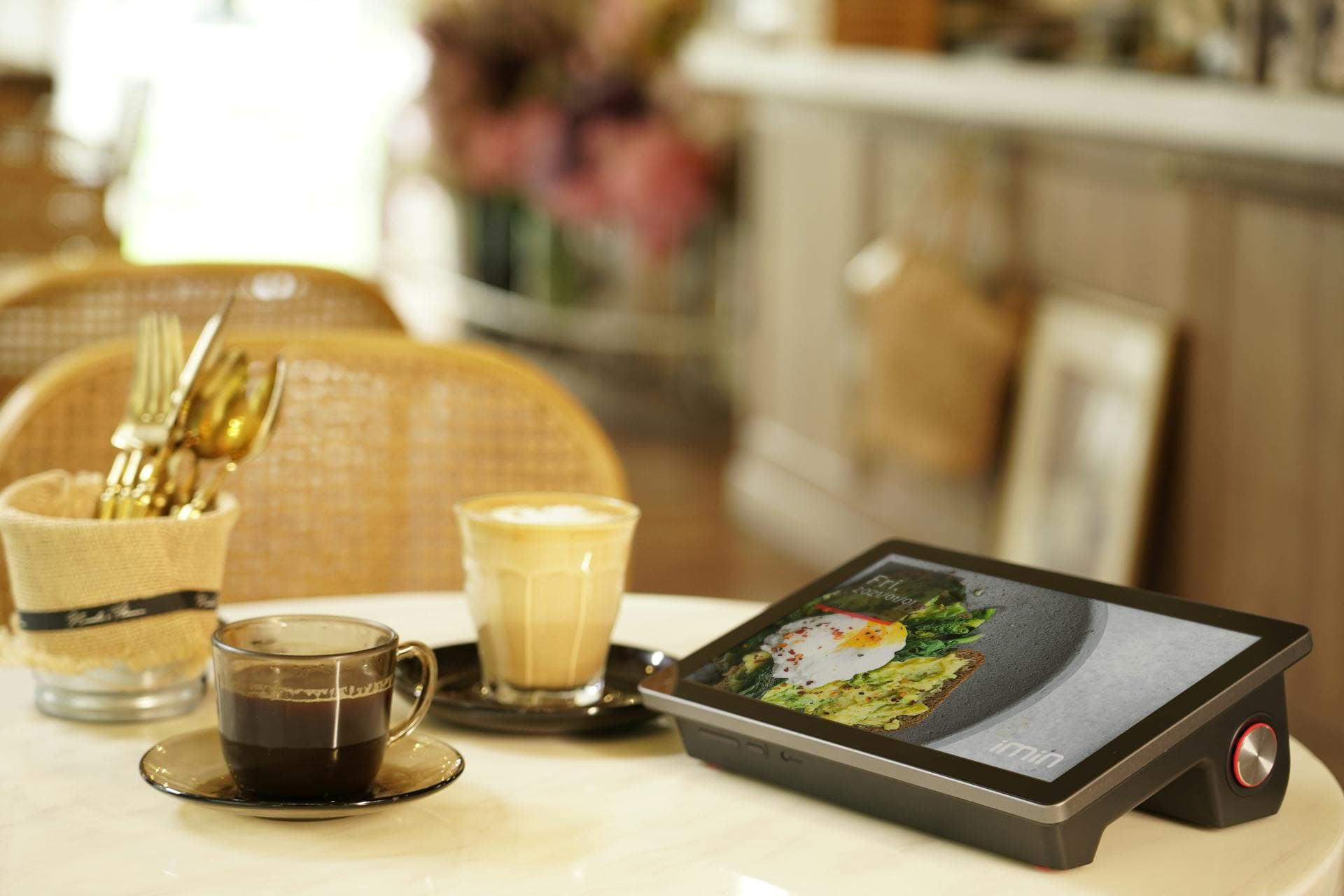
Most generic digital menu board tools assume you want a TV screen above the counter cycling through three slides. That is fine for a fast-food chain but wrong for a restaurant whose digital menu design is part of its brand. PDF mode treats the menu as a designed object, not a billboard, and turns it into a guest-facing digital menu display on the phone in their hand.
When templates are the wrong tool
menu-MENA ships with three built-in templates and a visual Template Builder that handles a lot of restaurants well. You pick colors, typography, layouts, and a contrast checker stops you from shipping unreadable type. For most cafes, koshary spots, and family restaurants this is exactly enough.
It is not enough for every restaurant. A high-end Levantine grill in New Cairo with a full brand book, illustrated section dividers, custom Arabic calligraphy headers, and a particular paper-tinted background that took the designer three weeks does not want any of that flattened into a template. They want their PDF, on a phone, working.
That is what PDF mode is for.
How the flipbook viewer works
You upload a PDF. menu-MENA renders it page-by-page using PDF.js directly in the guest's browser. The pages are presented as a flipbook, with a page-turn animation, swipe and tap gestures, and pinch-to-zoom for guests who want to see the small print on the dessert section. Nothing installs. Nothing downloads. The PDF stays a PDF, but the guest experiences it like a native app.
The renderer is RTL-aware. An Arabic PDF flips right-to-left the way a printed Arabic book does, with the spine on the right and the cover on the right. An English PDF flips left-to-right. You set the direction per uploaded version, so a bilingual restaurant uploads two PDFs and each one flips the correct way for its language.

The versioned slot system
This is the part that matters when you actually run a restaurant. Menus change. Seasonal sections come and go. Prices move. You do not want to take the menu offline while you redesign it, and you do not want to overwrite the live version with a half-finished draft and find out at 8pm during dinner service.
Every PDF menu on menu-MENA has three slots:
Current
The version live to guests. This is what scans of the QR code resolve to.
Draft
Your work in progress. You upload, preview privately on the dashboard, share a preview link with the designer or the owner, iterate, and only publish when you are ready.
Previous
The version that was live before the current one. Kept as a safety net. If you publish a new menu and a guest texts you that prices look wrong, you can roll back to previous in two clicks.
This three-slot system mirrors how restaurants actually update real menus. The previous slot is not a luxury, it is the rollback that lets you ship without fear.
Where the file actually lives
Uploaded PDFs are bundled and pushed to Cloudflare R2 storage. R2 is a global object store with edge delivery, which means the guest in Cairo loads the PDF from a node near Cairo, the guest in Riyadh loads it from a node near Riyadh, and so on. For a typical 8-page bilingual menu PDF that is a meaningful difference in time-to-first-page-flip on a phone over 4G.
Versioning slots map to predictable URLs in R2 with cache-busting on publish, so updates propagate without stale-cache problems.
Hybrid setups
You do not have to choose. Some restaurants use the template builder for their main dine-in menu and upload a separate PDF for their seasonal tasting menu or their event catering booklet. Multi-branch operators sometimes run template mode at smaller branches and PDF mode at flagships, all under one parent account.
Switching modes is non-destructive. You can move a branch from template mode to PDF mode and back without losing data, and the branch's URL stays the same the entire time, which means QR stickers already in the wild keep working.
Pricing is not different
PDF mode is included in the standard subscription. 3 EGP per day, 90 EGP per month, or 1,000 EGP per year for the first branch, with 50% off each additional branch. There is no premium tier for PDF support, no per-upload fee, no extra CDN charge. The 14-day free trial includes PDF uploads.
Key takeaways
- PDF mode preserves a designer-made menu exactly, where a template builder cannot
- PDF.js renders pages as a flipbook in the browser, with RTL-aware page direction for Arabic
- Versioned slots (current, draft, previous) let you stage updates and roll back safely
- Uploaded PDFs are served from Cloudflare R2 for fast global delivery
- PDF mode is included in the base subscription, no premium tier
If your menu took weeks to design, you should not have to throw it out to digitize it.