

Embed Your Menu on Your Existing Website
By menu-MENA Team
Published on July 13, 2026
You already have a website. Now it has a real menu on it.
A lot of restaurants that sign up for menu-MENA already have a website. Sometimes it's a WordPress site from three years ago, sometimes it's a Wix page a cousin built, sometimes it's something a bit more custom. None of that is a reason to abandon it. The embed feature puts a live menu-MENA menu directly on a page of your existing site, in an iframe, without asking you to move anything or rebuild anything.
What an iframe actually is
An iframe is a window inside your webpage that loads a separate page. Your site's header, your navigation, your contact section, all of that stays exactly where it is. Inside one rectangle on the page, the browser loads a different URL and displays it there. That's the entire mechanism. There's no plugin to install and no database to connect, it's a single HTML tag.
For the menu, that separate URL is a stripped-down version of your public menu built specifically for this: menu.mena-x.com/embed/YOUR-SLUG. It shows your categories and items and nothing else, no restaurant name or logo header, no promo bar, no floating language or theme buttons. Those exist on the standalone menu page to orient a visitor who landed there directly. Inside your site, your site already does that job, so the embed leaves it out and shows just the menu.
The minimal snippet
This is the whole thing:
<iframe
  src="https://menu.mena-x.com/embed/your-restaurant-slug"
  width="100%"
  height="900"
  style="border: none;"
  title="Our Menu"
></iframe>
Replace your-restaurant-slug with your actual slug, the same one that appears after menus.mena-x.com/ on your standalone public menu link. Paste that block into any page on your site, in the spot where you want the menu to appear, and it renders there.

Sizing it
Set width: 100% so the iframe fills whatever container it sits in, and it'll behave on both desktop and mobile. Height is the one number you'll want to tune by eye, since a menu with six items and a menu with sixty items don't need the same amount of room. A starting height around 800 to 1000 pixels works for most menus. The embed scrolls internally once its content is taller than the iframe, so a slightly-too-short height isn't broken, it just means the visitor scrolls inside the menu box instead of the whole page scrolling.
Locking language and theme with the URL
Add ?lang=ar or ?lang=en to the src URL to force a specific language, and &theme=light, &theme=dark, or &theme=auto to force a specific look, regardless of what language or theme the visitor's browser is set to:
<iframe
  src="https://menu.mena-x.com/embed/your-restaurant-slug?lang=ar&theme=light"
  width="100%"
  height="900"
  style="border: none;"
  title="المنيو"
></iframe>
This matters if your site has separate Arabic and English pages. Put the Arabic-locked embed on your Arabic landing page and the English-locked one on your English page, and each shows the correct language no matter what the visitor's phone or browser is set to.
Why a URL parameter instead of a cookie
You might expect language and theme to just remember the visitor's last choice, the way a cookie usually would. That's deliberately not how the embed does it. Browsers increasingly block cookies set by content loaded inside someone else's site, which is exactly what an iframe embed is from the browser's point of view: your restaurant's domain hosting a rectangle of content from menu.mena-x.com. Safari has blocked third-party cookies by default for years, and Chrome has been moving the same direction. A cookie-based approach would work inconsistently across browsers and quietly stop working in others.
A query parameter in the src URL sidesteps all of that. It doesn't depend on any browser storage at all, it's just part of the address you're already loading. Whoever sets up the embed decides the language and theme once, in the HTML, and it's reliable every time, on every browser, for every visitor.
Why this beats a link to your full menu page
The obvious alternative is a button that says "View our menu" and sends visitors to your standalone menu-MENA page. That works, but it sends the visitor away from your site to look at a menu, then asks them to find their way back if they want to look at anything else, your hours, your location, your reservation form. Every one of those hops is a chance for them to just close the tab.
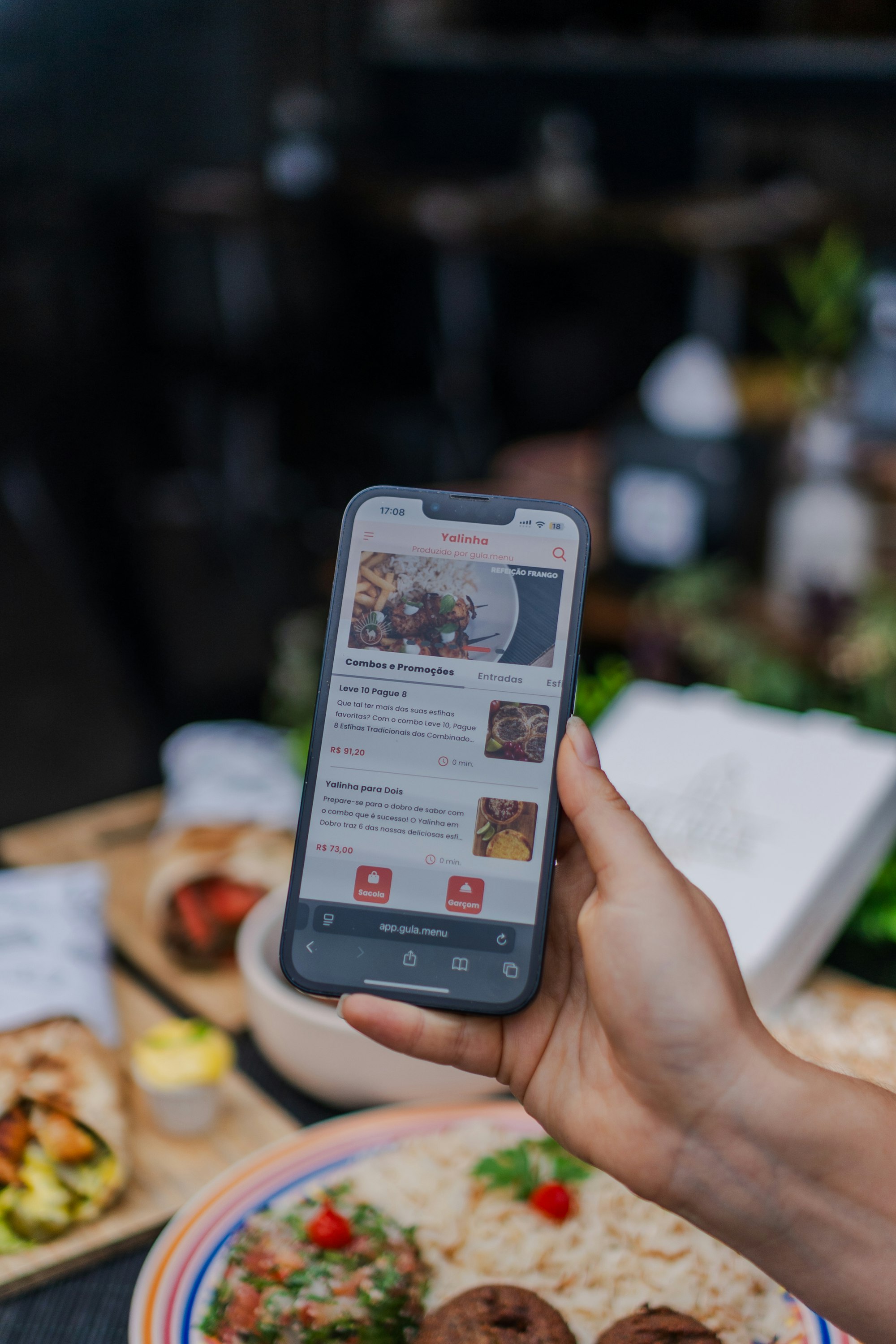
Embedding keeps the visitor on your own domain the entire time. They scroll your homepage, and partway down, there's the actual menu, not a screenshot, not a PDF, the live thing with live prices. Your branding, your other content, and your menu all live on the one page they're already looking at.
Getting it added to your site
There's no copy-paste "get embed code" button in the dashboard yet, so this is a manual step: take the snippet above, swap in your slug, and add the query parameters you want, then hand that to whoever maintains your site or paste it in yourself if your site builder has a custom HTML block. WordPress has one built into the block editor, Wix and Squarespace both have an embed or custom code element, and if your site is custom-built, any developer can drop an iframe tag into a page in a few minutes. There's no separate cost for using the embed, it's part of your existing menu-MENA plan.
Key takeaways
- The embed URL is
menu.mena-x.com/embed/YOUR-SLUG, built to sit inside an iframe on your own site - It shows just categories and items, no header, no promo bar, no floating buttons
?lang=ar/?lang=enand&theme=light/dark/autoare set in the URL, not remembered by a cookie, because third-party cookies inside iframes are increasingly blocked by browsers- A small "Powered by menu-MENA" link stays at the bottom, linking to your full standalone menu page
- The embed loads live, so dashboard edits show up the next time the page loads, exactly like your standalone menu
If you already have a website you like, keep it. Grab your slug from your dashboard, paste the snippet from this article into the page where your menu should live, and your existing site gets a menu that updates itself every time you do.